At ChargePoint, stop the charging session with the app or the station’s stop button. Unlock your vehicle and make sure its transmission is in park. Never force the connector: it can damage the port or cable.
Use the matching section below, then work through the connector checks if you are still plugged in.
Stop the session: choose your network
Electrify America
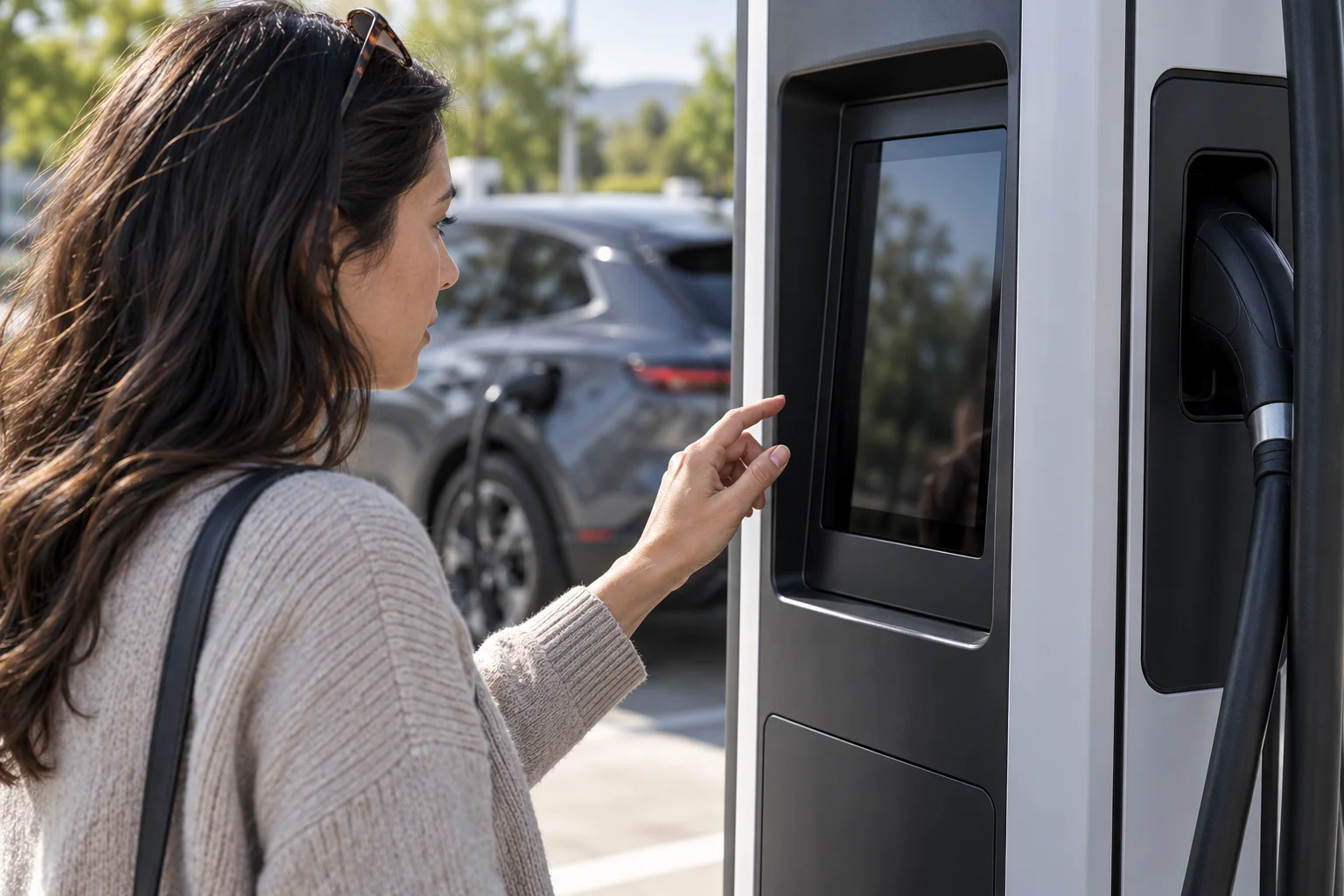
To end an Electrify America session, press the Stop button at the bottom right of the charger screen. In the Electrify America app, select Stop Charging on the Current Session screen.
If you have plugged in but do not want to start a session, you might need to press Cancel on the charger screen to release the connector. Depending on your vehicle model, you may also need to unlock your car to remove the connector.
ChargePoint
When fast charging at ChargePoint, press the stop charging button on the station.
CHARGE NOW
For a CHARGE NOW session started with a charging card, swipe that card again to stop the session. If you started the session using the app or Plug & Charge, you can also stop the session directly from the app.
EV charging connector stuck? Work through these checks
For an Electrify America connector, use this checklist:
- Check to make sure the session has stopped.
- Confirm that your vehicle is unlocked.
- Make sure there isn’t tension in the cable.
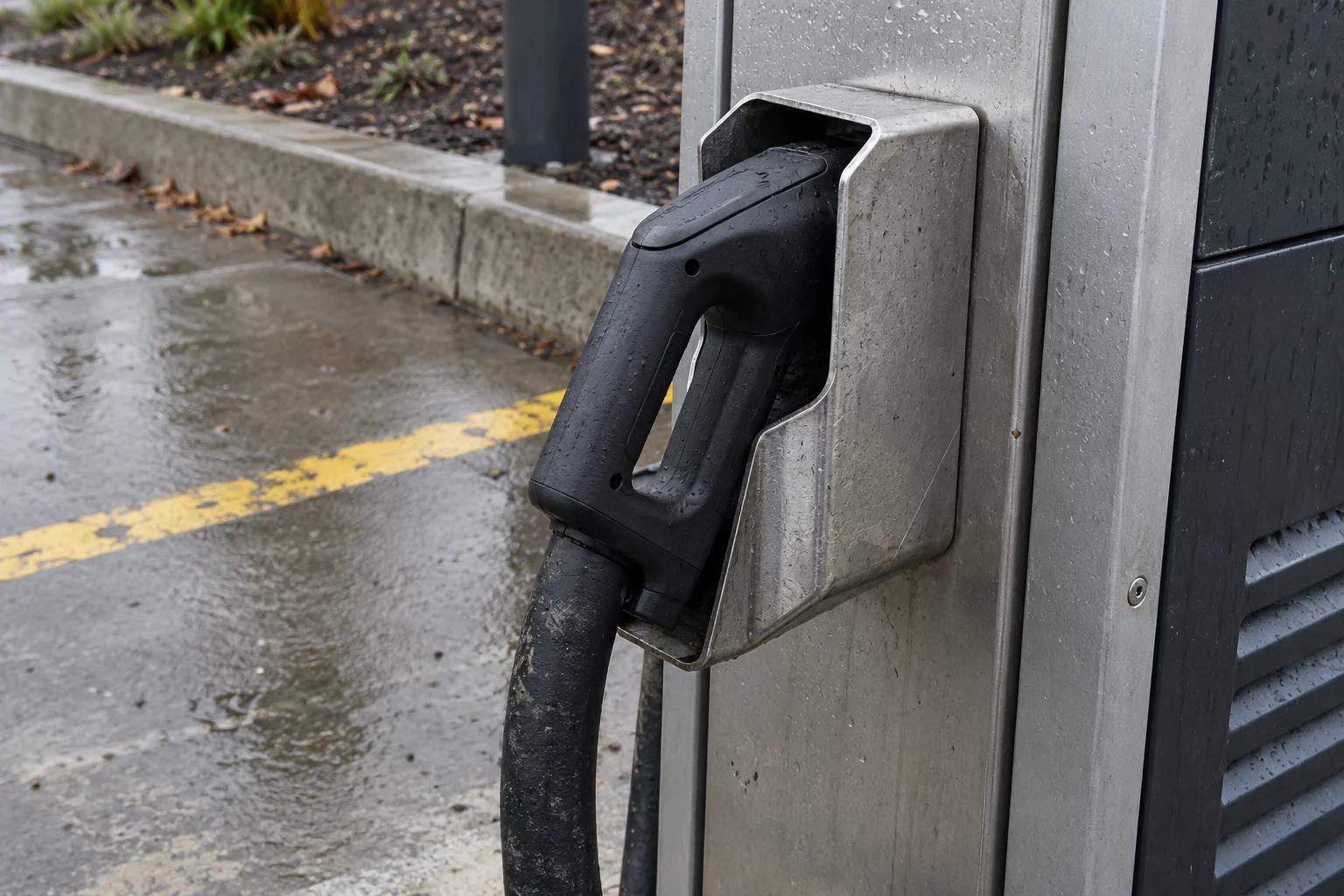
If the connector button is stuck depressed, push the connector in; you may hear an audible click. Once you hear a click, press the button and try to remove the connector by pulling it straight out.
Cable stuck at the charger end
For a cable stuck at an Indra charger, first make sure the active charging session has stopped and the vehicle is disconnected. At the vehicle end, Indra explains that the vehicle controls the cable lock.
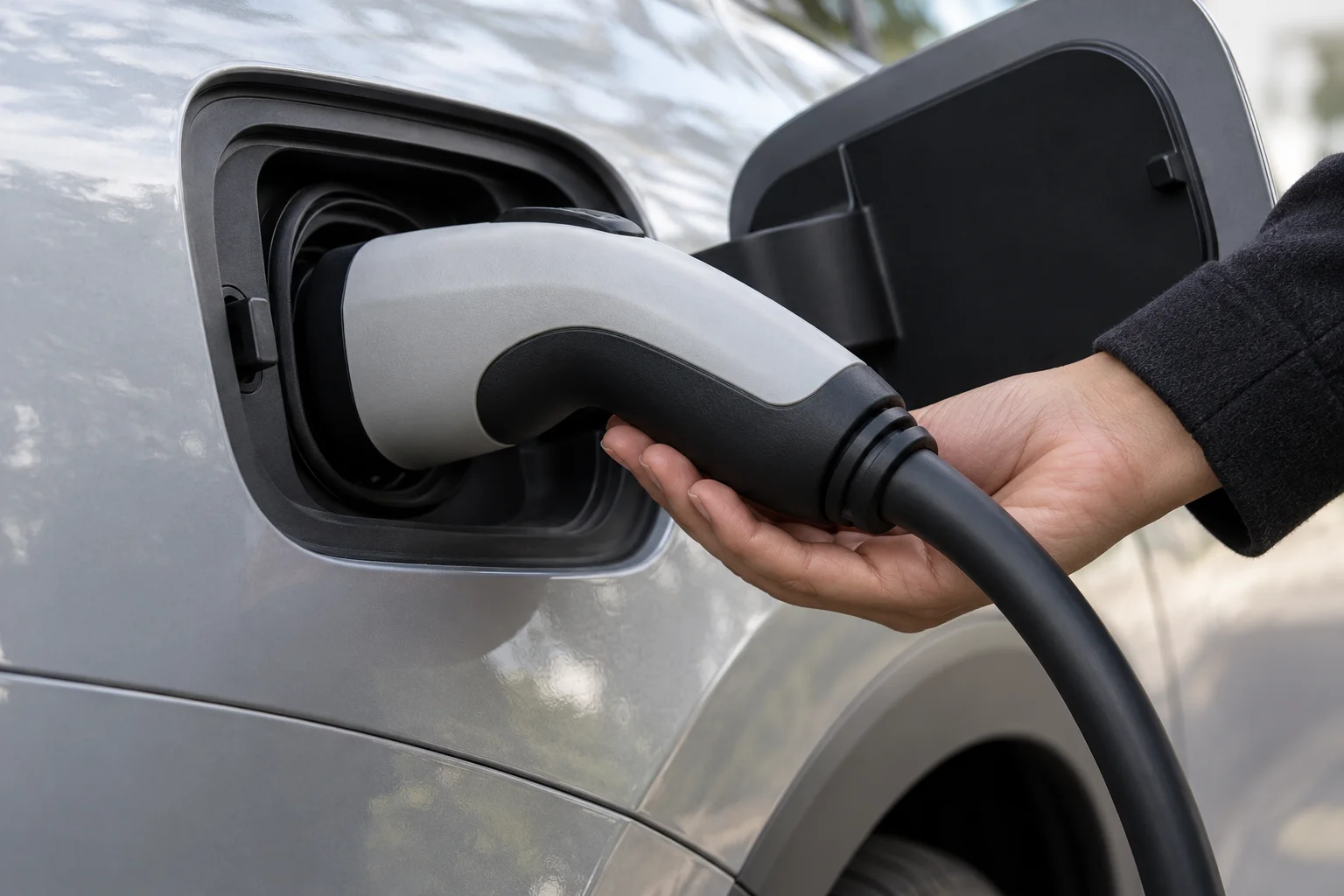
Find the vehicle’s manual release instructions
If the connector remains stuck, use your vehicle’s owner’s manual to find and use the manual release button. If it still cannot be released, contact your vehicle’s customer service.
Tesla manual-release precautions
Before manual release, ensure that Model 3 is not actively charging by displaying the charging screen on the touchscreen. Do not perform this procedure when your vehicle is charging, or if any orange high voltage conductors are exposed. Do not pull the release cable while simultaneously attempting to remove the charge cable from the charge port. Continuous use can damage the release cable or charging equipment. If you are uncertain as to how to safely perform this procedure, contact your nearest Service Center.

Check the session record before leaving
Electrify America
The total cost is displayed on the charging station screen at the end of your session. If you have a membership, log in to the Electrify America app, go to your Account, and select Charge history. Check the charger screen or the Electrify America app for idle-fee details.
ChargePoint
ChargePoint sends a receipt by email.
Tesla Supercharging
Supercharging session details, including congestion fees incurred, are available in your Tesla app after each Supercharging session.
Continue with our EV road trip planning guide, or browse the driving and mobility blog.
Sources
- ChargePoint — How can I get the connector unstuck on my electric vehicle’s charging port?
- ChargePoint — How do I start a charging session or use Tap to Charge at a ChargePoint station?
- Electrify America — Mobile FAQ
- CHARGE NOW — How can I start and stop a charging session?
- Indra — Charging cable is stuck
- Tesla — Charging Instructions
- Tesla — Supercharger Fees