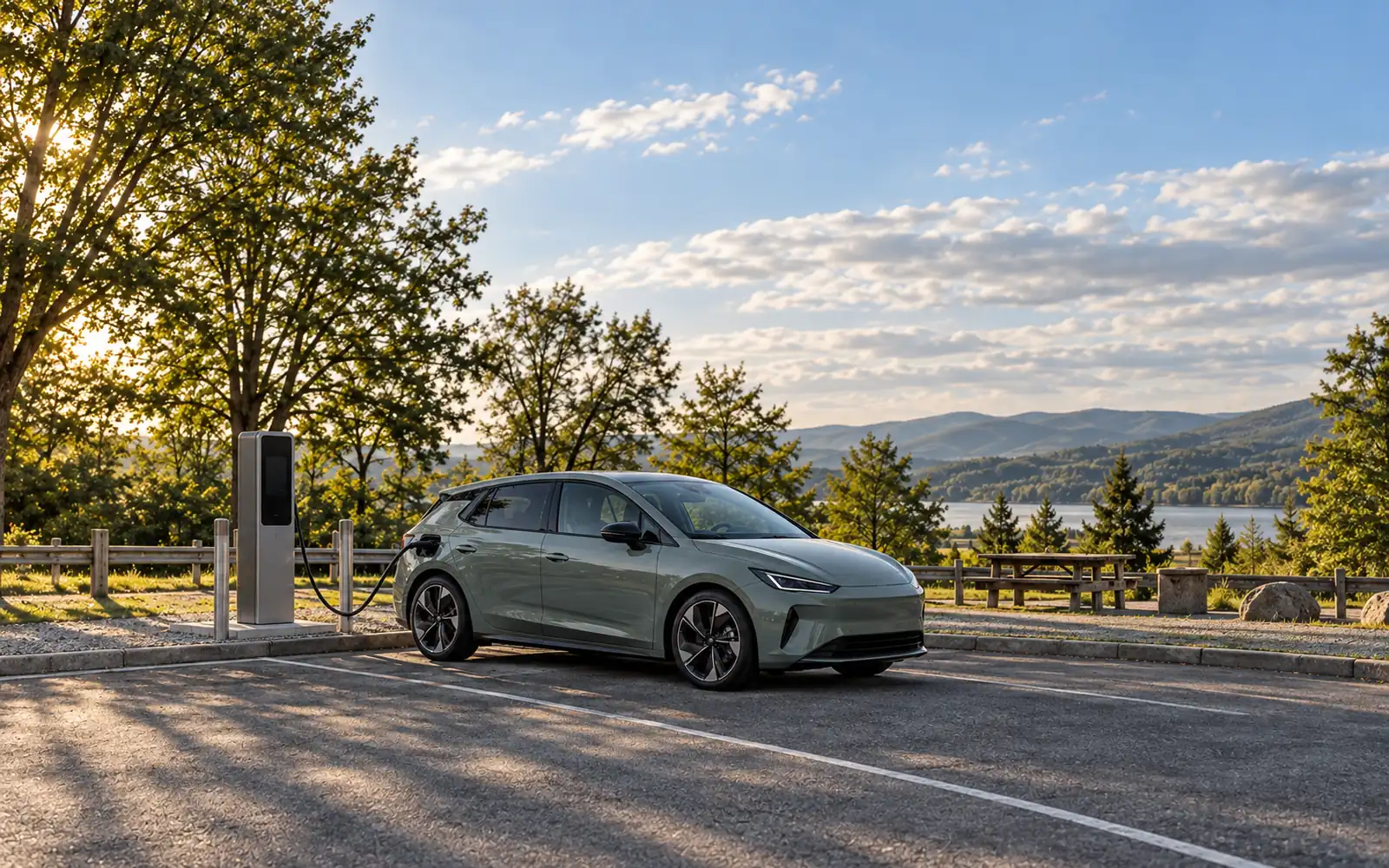
You can pay at many US public EV chargers without downloading a network app, but the working fallback—a built-in credit card reader, a mobile browser QR checkout, or a pre-activated RFID card—depends on the hardware sitting in front of you. Assuming every pedestal accepts a tap of a credit card can cause a failed session start, a surprise $50 bank authorization hold, or wasted stop time when cell reception drops.
Drivers usually hit this wall in three situations: picking up a rental EV for a weekend drive, pulling into a regional charging network they will only use once, or parking inside a concrete garage where an app refuses to load. Because US charging networks built their payment hardware across different generations of Level 2 (240V AC) and DC fast charging (480V+ DC) equipment, “no-app charging” is not a single uniform experience. This guide breaks down how the three app-free payment paths actually work at the stall, what Electrify America, EV Connect, and ChargePoint officially support, and how to recover when a payment terminal refuses to cooperate.
Walk-Up Payment Methods Compared: Card Reader vs. Browser QR vs. RFID
Before you unholster a connector cable, identify which of the three app-free payment mechanisms the pedestal supports. Each method trades off advance setup, cellular data dependency, and receipt access differently.
| Payment Method | Account Required? | Works Without Cell Signal at Stall? | Typical Pre-Authorization Hold | Receipt & Session History | Best Real-World Use Case |
|---|---|---|---|---|---|
| Physical Credit / Debit Card Reader | No (true walk-up guest) | Yes (uses the charger’s own backhaul connection) | $50 temporary hold on Electrify America walk-up sessions | On-screen total at session end; optional SMS receipt if phone number entered at start (Electrify America) | Highway DC fast charging, rental EVs, and one-off stops on unfamiliar networks |
| Mobile Browser QR Code (“Scan to Charge”) | No (guest web checkout) | No (your phone needs mobile data or Wi-Fi to load the checkout page) | Varies by network and payment processor | Limited on EV Connect guest sessions; payment details are not saved after checkout | Newer Level 2 and DC pedestals (such as EV Connect units deployed since 2023) without physical card readers |
| Network RFID Card | Yes (card serial number must be linked to an account beforehand) | Yes (authenticates directly against the pedestal reader) | Billed to the payment method stored on the member account | Full session history and itemised receipts stored in your online account portal | Underground parking structures, rural dead zones, and roaming partner stations |
1. Physical Credit Card Readers (True Walk-Up Guest Access)
A physical credit card terminal mounted on the charger cabinet is the closest equivalent to a conventional gas pump. You plug in, swipe, insert, or tap a bank card at the reader, and pay the posted guest rate without creating a profile or installing software.
Because the charger’s internal modem handles the payment authorization, a physical card reader works even when your own phone has no service or a dead battery. The main trade-off is financial and operational: walk-up card sessions trigger a higher temporary pre-authorization hold than registered accounts, and the charger gives you no automatic email receipt unless the kiosk offers an SMS opt-in at the start of the session.
2. Mobile Browser QR Checkout (“Scan to Charge”)
On pedestals that do not have a physical credit card reader—especially compact commercial Level 2 bollards—several networks use a printed QR code sticker that opens a mobile web payment page in Safari or Chrome. You enter a credit card or use Apple Pay or Google Pay directly in the browser without downloading an app from the App Store or Google Play.
Browser QR checkout solves the “app clutter” problem, but it has three strict failure points you must verify at the curb:
- Phone connectivity is mandatory: If your phone has zero bars inside a parking structure or canyon corridor, the browser checkout page cannot load.
- Hardware age and roaming limits: Older pedestals on the same network often lack valid guest QR codes, and browser QR checkout typically fails on cross-network roaming chargers.
- QR sticker tampering: Fraudulent stickers pasted over legitimate network decals redirect drivers to phishing pages. Never scan a QR code on a network—such as Electrify America—that explicitly forbids QR payment.
3. Pre-Activated Network RFID Cards
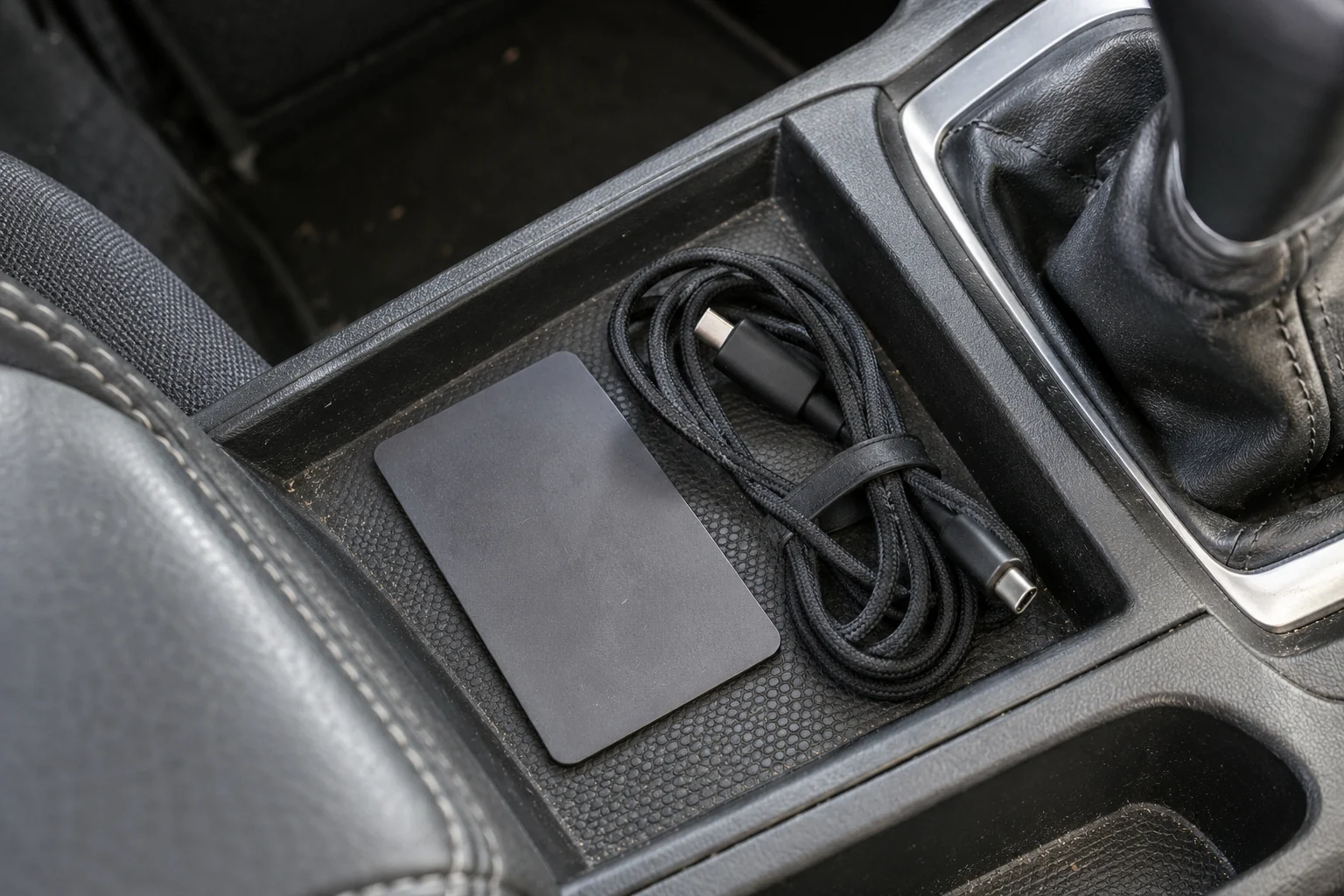
A physical RFID card is a plastic smart card issued by a charging network. While it lets you start a charge in two seconds without touching a smartphone at the charger, an RFID card is not an anonymous walk-up payment method. You must order the card in advance and activate its serial number inside an online account backed by a credit card.
For drivers who regularly park in subterranean garages, mountain trailheads, or rural corridors, keeping one or two activated RFID cards in the glovebox or center console eliminates phone-to-charger handshake failures altogether.
What Major US Charging Networks Actually Support Without an App
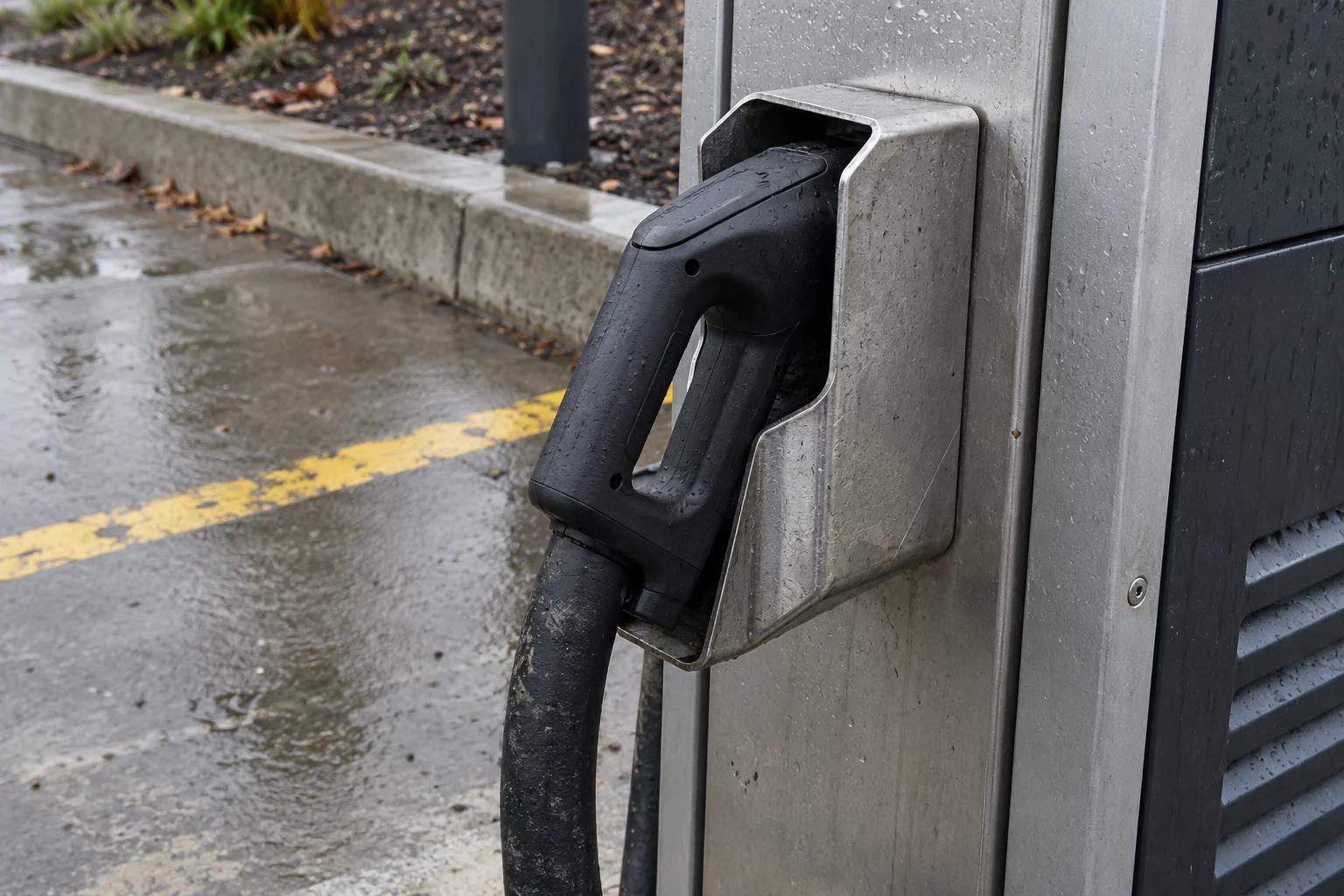
Public charging infrastructure in the United States spans more than a dozen hardware vendors and software back ends. As the U.S. Department of Energy’s Alternative Fuels Data Center (AFDC) notes, public charging combines Level 2 AC equipment and DC fast charging stations operated by different site hosts and networks. When you plan EV road trip charging stops, verifying the exact network rules for walk-up payment saves you from discovering a locked dispenser with 12% battery remaining.
| Network | Walk-Up Credit Card Reader | Browser QR Guest Checkout | Physical RFID Card | Official Non-App Caveats & Limits |
|---|---|---|---|---|
| Electrify America | Yes, on every charger | Never (EA warns it never asks you to pay via QR code) | No (EA does not issue physical RFID cards) | $50 temporary authorization hold on walk-up cards (vs. $20 increments on app accounts); payment must be presented within about 45 seconds of plugging in; $0.40/min idle fee after 10-minute grace period. |
| EV Connect | Hardware-dependent (varies by site host) | Yes, on stations deployed since 2023 (Apple Pay, Google Pay, credit card) | Supported on registered driver accounts | QR guest flow requires mobile browser internet, is not designed for roaming stations, does not save payment details, and provides limited charge history and receipts. |
| ChargePoint | Hardware-dependent (many Level 2 pedestals lack credit card terminals; 24/7 phone support printed on units) | Not listed as a standard session-start method in ChargePoint’s driver FAQ | Yes (requires prior serial-number activation in account) | ChargePoint states you can charge without an account and that additional fees can apply, while listing three standard session-start methods: app Tap to Charge, in-app Start Charge button, or an activated ChargePoint RFID card. Some roaming partner stations require a physical ChargePoint card. |
Electrify America: Card Readers on Every Stall, Zero QR Payments
Electrify America is the most straightforward US fast-charging network for app-free travel because every Electrify America charger is equipped with a credit card reader. You do not need an Electrify America account or membership (Pass or Pass+) to plug in and pay as a guest.
In its walk-up guest instructions, Electrify America notes that you can swipe or tap a Visa or MasterCard credit or debit card at the charger, while its general accepted-payment policy lists Visa, Mastercard, American Express, and Discover credit and debit cards. Before starting a walk-up session on Electrify America, keep five operational rules in mind:
- The 45-second handshake window: After you plug the connector into your vehicle, you have about 45 seconds to present your payment card at the reader before the session times out and forces you to unplug and restart.
- $50 pre-authorization hold vs. $20 account increments: When you pay as a walk-up guest at the card reader, Electrify America places a $50 temporary authorization hold on your card to verify funds. Once you stop charging, the difference between $50 and your final session cost is released, though your bank controls how many business days the release takes to post. By contrast, free Electrify America
Passaccount members who keep a payment method on file are billed in $20 increments rather than taking a $50 upfront hold. - Guest rate vs. Pass+ member rate: Walk-up card users pay the standard posted stall rate ( identical to the free
Passtier). Drivers who pay $7/month forPass+must initiate the session via the app to receive the roughly 25% member discount. - Idle fees still apply: Leaving your car plugged in after charging finishes triggers a $0.40 per minute idle fee once the 10-minute grace period expires.
- Never scan a QR code to pay at Electrify America: Electrify America explicitly warns drivers that it never asks you to pay by scanning a QR code. If you see a QR code sticker claiming to take payment on an Electrify America unit, treat it as a scam decal and use the physical card reader instead.
EV Connect: Browser QR Checkout on Post-2023 Pedestals
EV Connect operates thousands of commercial Level 2 and DC fast chargers across municipal parking lots, hotels, and retail centers. In July 2026, EV Connect introduced its Scan to Charge browser workflow so guests can pay without installing the EV Connect app or registering an account.
When you scan the station’s QR code with your phone camera, a mobile web page opens where you can pay with Apple Pay, Google Pay, or a credit card. The browser flow is convenient for occasional stops, but EV Connect documents four specific boundaries:
- Post-2023 station requirement: Only EV Connect stations deployed since 2023 carry the latest QR stickers required for browser guest charging. Older pedestals require the app or an RFID card.
- No roaming support: The QR guest web flow is not designed for roaming stations operated by partner networks.
- Active mobile browser connection required: Your phone must have working cellular data or Wi-Fi at the parking stall to load the web checkout and authorize payment.
- Limited receipts and no saved payment info: Guest web sessions do not store your card for future stops, and EV Connect classifies guest charge history and receipt access as Limited compared with full in-app accounts.
ChargePoint: Pre-Activated RFID Cards and Hardware Variations
ChargePoint manages the largest share of US public Level 2 pedestals alongside DC fast chargers, and individual site hosts (cities, workplaces, hospitals, and shopping centers) own and configure the hardware. Because many commercial Level 2 pedestals do not include an unprotected bank-card swipe terminal, walk-up experiences vary by station model.
In its official driver support documentation, ChargePoint states that you can charge without a ChargePoint account (noting that additional fees can apply), and lists three standard ways to start a charging session at the pedestal:
- Tap to Charge with a smartphone (which requires the ChargePoint app installed, signed in, and NFC enabled).
- In-app Start Charge button (selecting the station inside the ChargePoint mobile app).
- Tapping an activated ChargePoint RFID card on the reader symbol on the front of the charger.
If you want to avoid phone apps at the stall—or if you need a bulletproof backup for roaming partner stations that require a physical card—order a ChargePoint RFID card before your trip and activate its serial number online at Account > Manage Charging Cards (or in the app under Account > Manage Cards). If you arrive at a paid ChargePoint pedestal without an app or activated card, call the 24/7 driver support number printed directly on the charger faceplate (1-888-758-4389) so an agent can remotely authorize the session.
How to Pay at an EV Charger Without an App: Step-by-Step Stall Checklist
Whether you are driving your own vehicle or running through a pre-trip car checklist before picking up an airport rental EV, following a fixed sequence at the charger prevents connector timeouts and double holds.
Walk-Up Credit Card Sequence (Electrify America & Card-Equipped DC Pedestals)
- Inspect the card reader before plugging in: Confirm the physical credit card reader screen is awake and check that the reader slot and contactless tap pad have no loose overlays or suspicious QR decals.
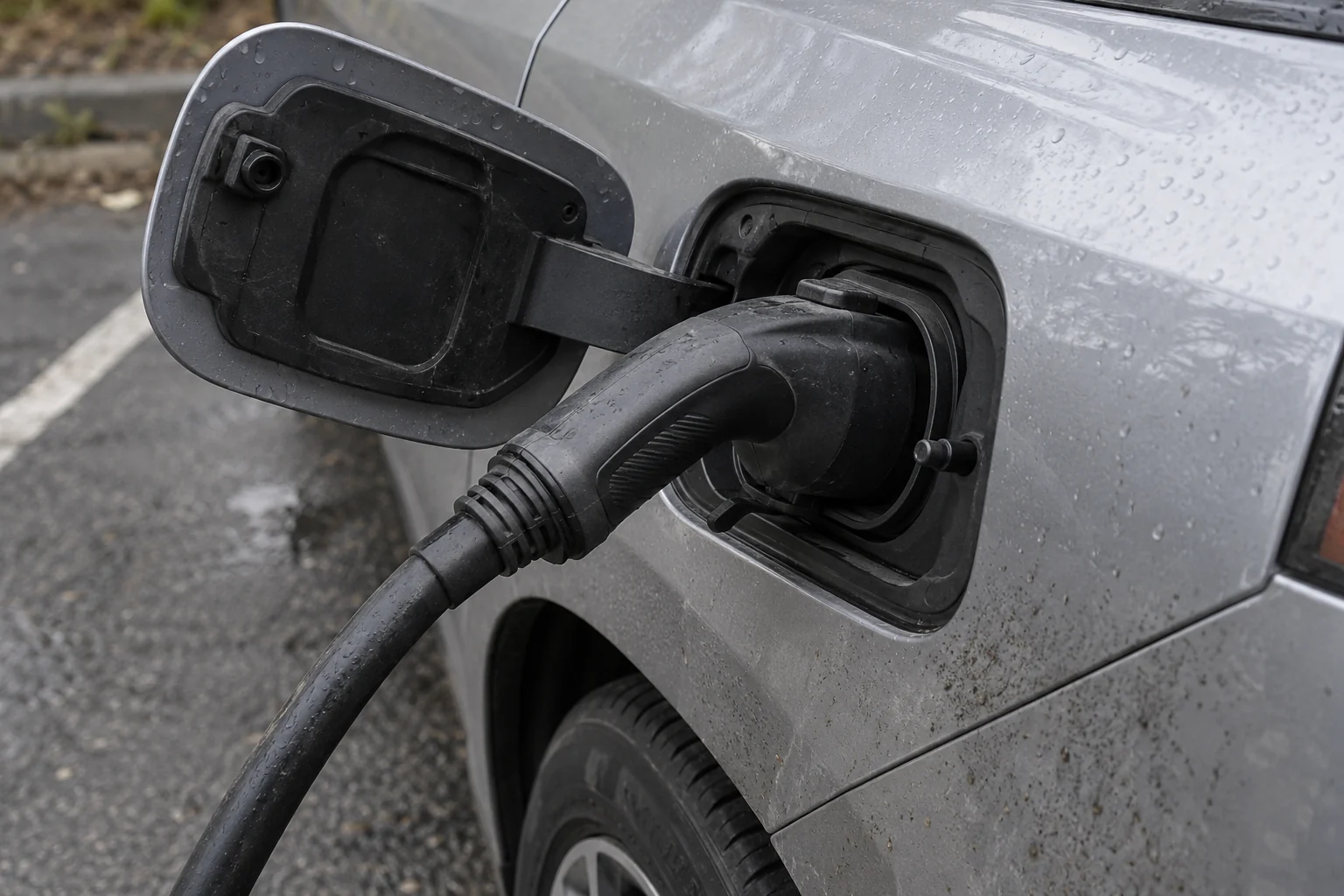
- Plug the connector firmly into the vehicle port: Lift the connector from the holster and push it into your car’s charging inlet until it clicks. Hold weight off the handle for two seconds while the latch locks.
- Present payment within 45 seconds: Tap or insert your credit or debit card at the reader within about 45 seconds of plugging in. Use a physical credit card rather than a low-balance debit card so the $50 temporary authorization hold does not tie up checking-account cash.
- Opt in to SMS receipts if you need documentation: On Electrify America kiosks, enter your mobile phone number on the screen when prompted at session start to receive text updates and a final receipt link.
- Confirm power delivery before walking away: Watch the pedestal screen pass the vehicle handshake and display active kilowatt (
kW) flow for at least 15 to 20 seconds.
Mobile Browser QR Sequence (Post-2023 EV Connect & Web-Guest Pedestals)
- Verify the QR decal matches the station housing: Make sure the QR code is part of the official station graphic or faceplate label—not a paper sticker applied on top—and confirm the URL domain in your camera preview matches the network operator (such as
evconnect.com). Never scan a QR code to pay on Electrify America. - Check that the port ID matches your cable: Dual-port pedestals assign separate connector IDs (
1/2orA/B). Confirm the Connector ID on the mobile web checkout screen matches the physical cable plugged into your car. - Authorize via Apple Pay, Google Pay, or card entry: Complete the browser checkout and wait for the station latch to release or begin charging.
- Screenshot the browser confirmation and final screen: Because guest web sessions on networks like EV Connect provide limited receipt history and do not save payment details, take a screenshot of the active browser session and the final kWh / dollar total before closing the tab.
Troubleshooting Common App-Free Charging Failures
When a walk-up session fails to start, the cause is almost always a timeout between the vehicle latch and the payment terminal, a declined pre-authorization hold, or a station connectivity drop.
- Card reader times out after plugging in: Unplug the connector, return it fully into the station holster for 5 seconds until the screen resets to the welcome prompt, plug back in, and tap your credit card immediately (well inside the 45-second window).
- Contactless tap fails at the reader: Outdoor card readers exposed to sun and rain frequently lose NFC tap sensitivity before the physical chip reader fails. Insert the chip or swipe the magnetic stripe instead of tapping a phone wallet or contactless card.
- QR code opens a blank page or “station unavailable” error: First check your phone’s cellular signal; if you are inside a concrete parking deck, toggle Wi-Fi or step toward an open stairwell until the checkout page loads. If the station is an older pre-2023 EV Connect unit or a roaming partner charger, browser QR checkout is not supported—call the toll-free support number printed on the pedestal for remote start assistance.
- Multiple $50 holds after failed attempts: Each time a walk-up card session authorizes and aborts after a connector handshake error, the payment processor can log a separate temporary hold. If a stall fails twice in a row, do not keep tapping your card on the same unit—move to an adjacent stall and note the station ID number.
- Missing expense receipt for a rental or work trip: If you skipped the SMS receipt prompt at the start of an Electrify America walk-up session, photograph the charger screen at the end of the session showing total kWh delivered, elapsed time, and final dollar cost before unplugging.